

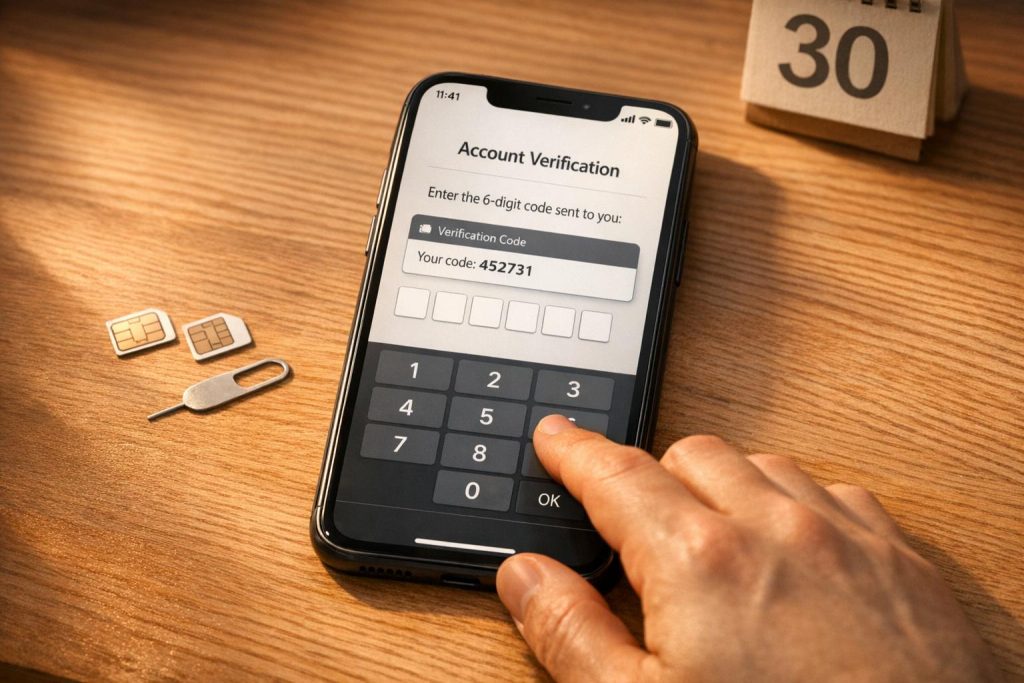
Want to keep your OnlyFans account private? Using your personal phone number for verification can put your identity at risk. A safer option is to use temporary, real SIM-card numbers to protect your privacy while meeting OnlyFans’ requirements. Services like MobileSMS.io provide these numbers, ensuring your personal details stay secure.
Key Takeaways:
- Why it matters: Using your real phone number can expose you to risks like identity leaks, spam, or SIM-swapping.
- The solution: MobileSMS.io offers disposable, real SIM-based numbers for anonymous verification.
- How it works:
- Create an account on MobileSMS.io and add funds.
- Purchase a US-based number for OnlyFans verification.
- Use the disposable number during the signup process.
- Retrieve the code and complete your setup.
For long-term account stability, consider a 30-day rental to handle re-verification needs like payouts or security updates. This simple step can protect your privacy while keeping your account secure.
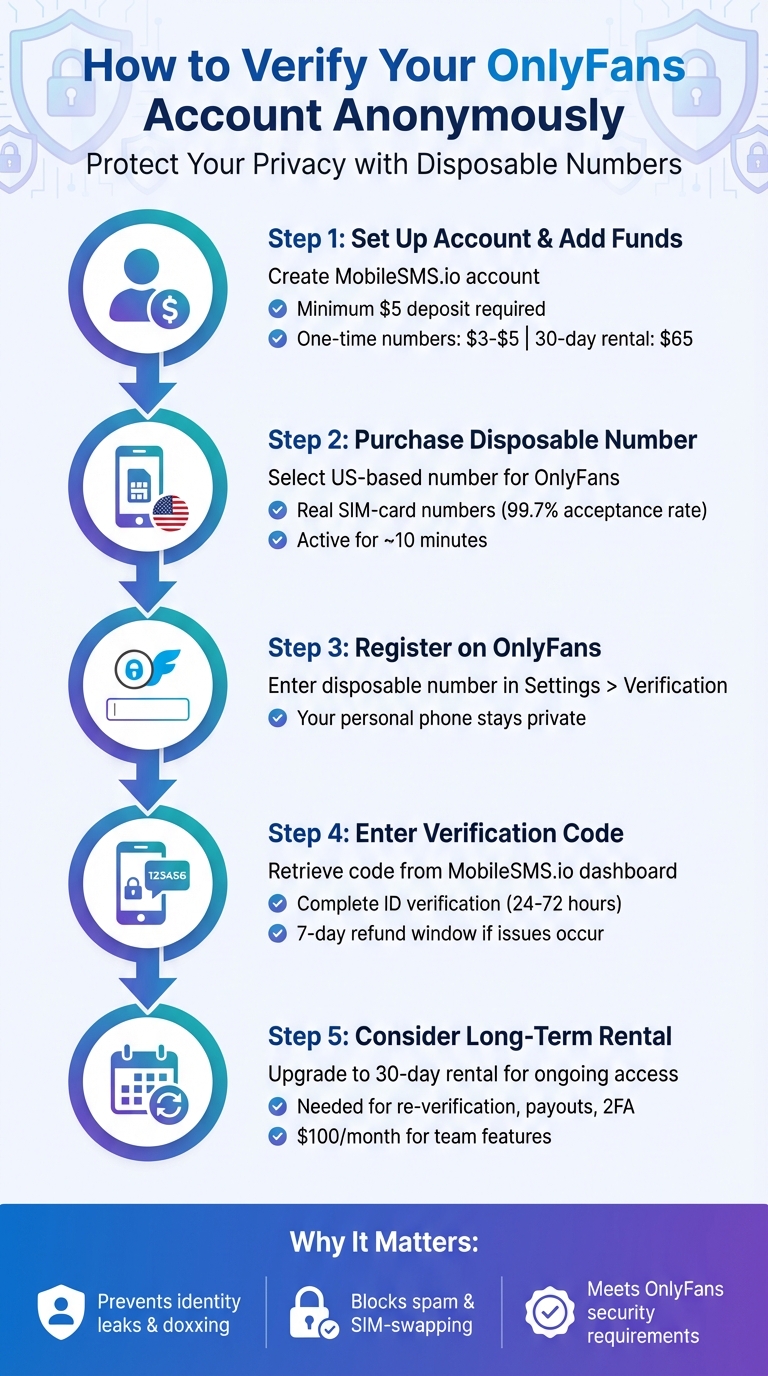
5 Steps to Verify OnlyFans Account Anonymously with Disposable Numbers
How to Verify Your OnlyFans Creator Account Anonymously
Step 1: Set Up Your MobileSMS.io Account and Add Funds
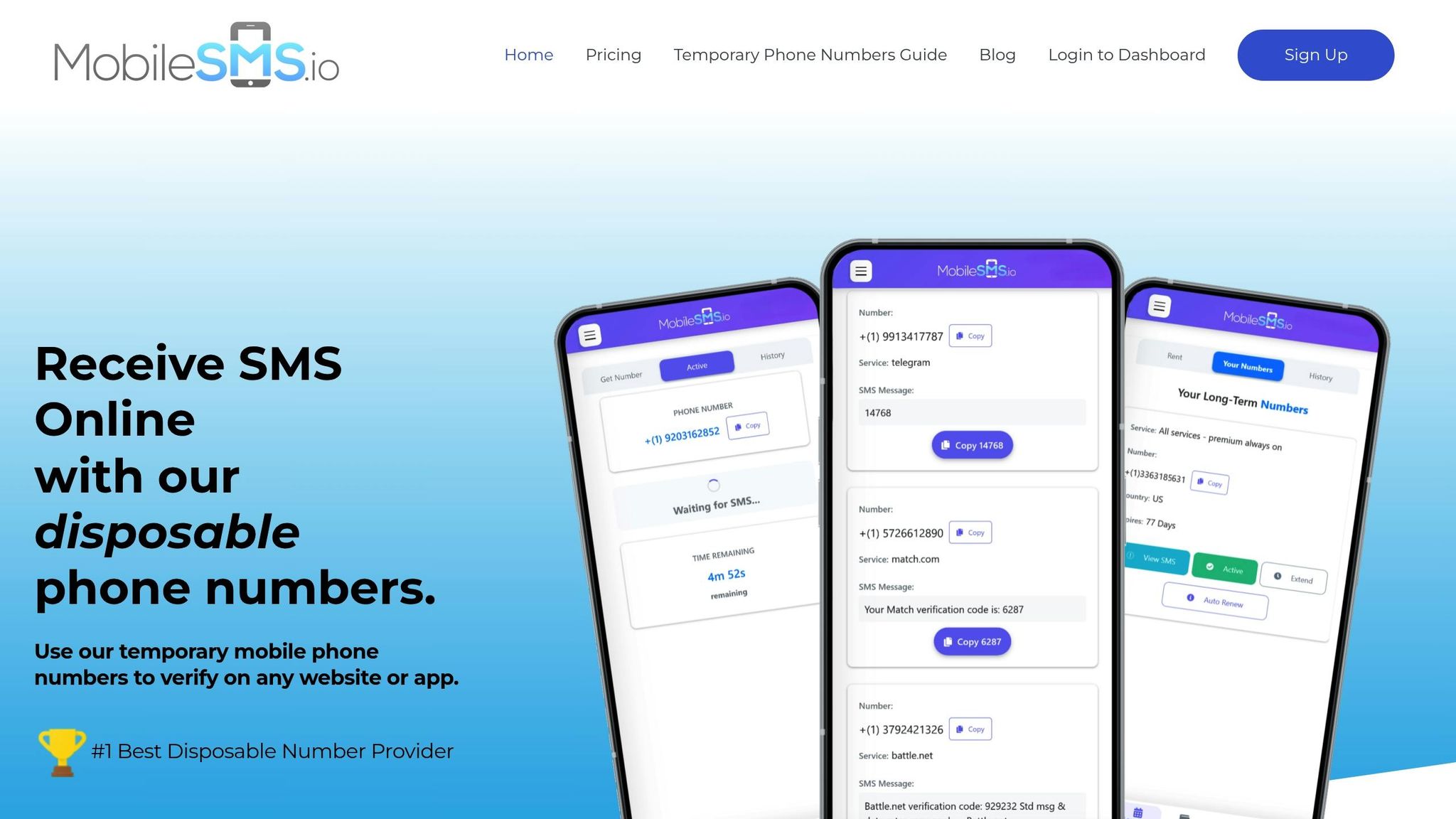
Start by visiting MobileSMS.io and signing up with your email. Once you’re logged in, you’ll need to add funds to your account before you can request a disposable number.
A minimum deposit of $5 is required. Here’s the pricing breakdown: one-time numbers range between $3 and $5, while a 30-day rental costs $65 for extended use.
MobileSMS.io accepts various payment methods, including credit cards, debit cards, and cryptocurrency. If privacy is a priority, consider using cryptocurrency for your transaction.
Once your account is funded, you can move on to selecting a disposable number.
Step 2: Choose and Purchase a US-Based Disposable Number
After adding credits, select "United States" and "OnlyFans" from the number options. MobileSMS.io provides real SIM-card-based numbers, which are crucial because OnlyFans often rejects VoIP numbers.
The platform supports verification for over 1,200 services, and for OnlyFans, you’ll get a legitimate carrier-based number that meets their security standards. One-time numbers stay active for about 10 minutes – plenty of time to receive and use the verification code.
This method ensures your personal phone number remains private while meeting OnlyFans’ verification requirements.
Step 3: Register Your OnlyFans Creator Account
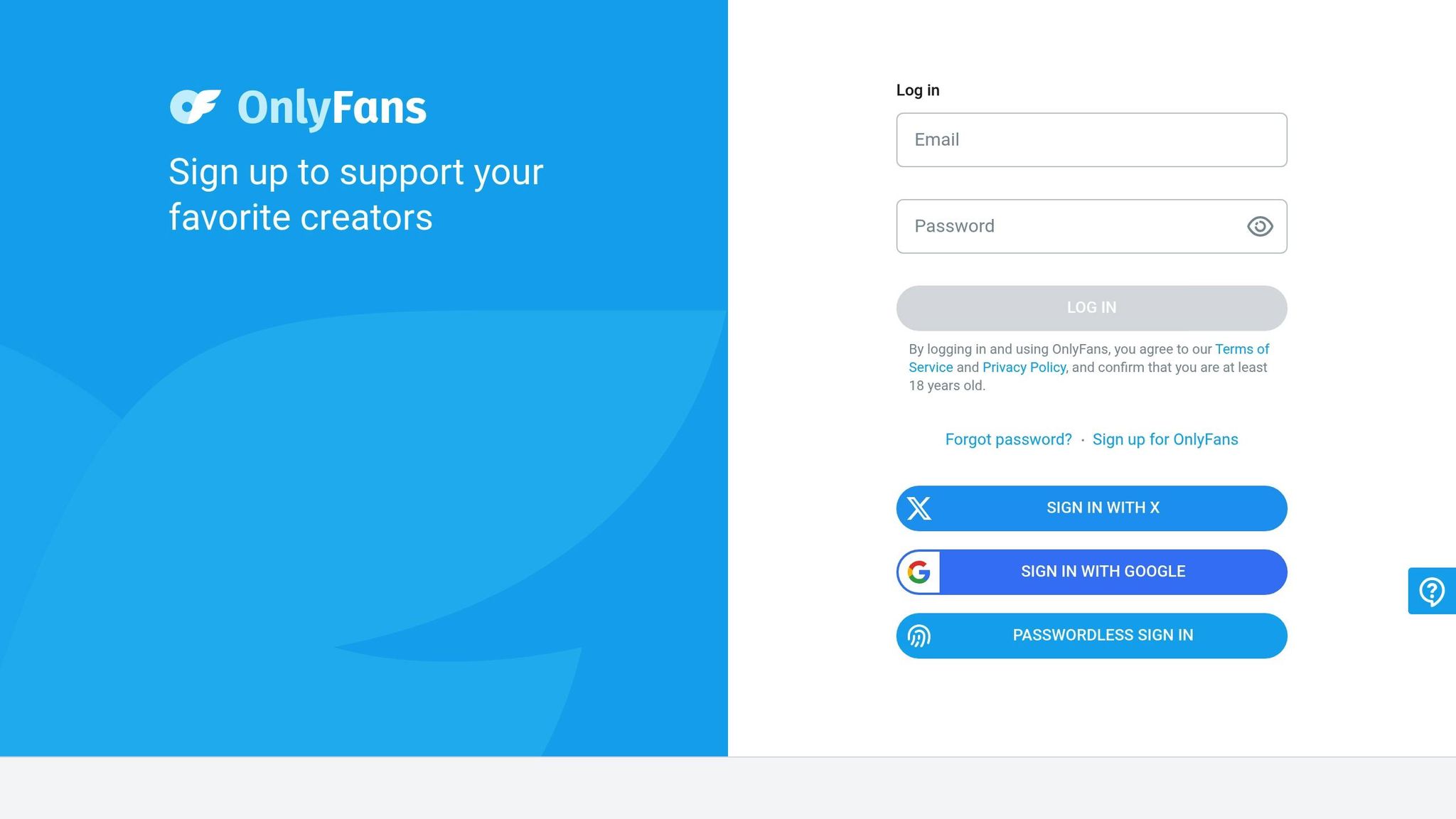
Head to OnlyFans and begin the creator registration process. When you reach the phone verification step, go to Settings > Verification and input the disposable number provided by MobileSMS.io. Make sure your email is verified beforehand.
OnlyFans requires a real SIM-card number to pass their verification process. Using a temporary number protects your personal phone information.
Step 4: Enter the Verification Code and Finalize Setup
Retrieve the verification code from your MobileSMS.io dashboard and enter it on OnlyFans to complete the process.
Keep in mind, you’ll still need to finish OnlyFans’ identity verification, which involves submitting a government-issued ID (such as a passport, driver’s license, or state ID) and completing a selfie check. This step usually takes 24 to 72 hours to approve. However, your personal phone number stays out of the equation.
If you encounter issues receiving the code, you can file a support ticket within 7 days to request a refund or replacement.
For long-term account stability, consider upgrading to a more permanent solution in the next step.
Step 5: Opt for Long-Term Rentals for Ongoing Account Management
If you’re serious about maintaining your creator account, a one-time number won’t suffice for long-term needs. OnlyFans may require re-verification for security purposes, payout confirmations, or two-factor authentication. Once a one-time number expires, you lose access to any related messages.
To ensure continuous access and re-verification capabilities, consider upgrading to a 30-day rental. For teams or more extensive needs, the Premium All Services plan at $100 per month includes automatic SMS forwarding for added convenience.
Why MobileSMS.io Works Better for OnlyFans Verification
Real SIM-Card Numbers That Work with OnlyFans
OnlyFans has strict rules against VoIP and virtual numbers, as they’re often recycled and unreliable. MobileSMS.io solves this problem by providing real carrier-based SIM card numbers, boasting an impressive 99.7% acceptance rate on OnlyFans and other platforms with tight verification standards. These numbers come directly from genuine carriers, meeting exactly what OnlyFans’ system requires.
Free SMS apps simply don’t cut it because OnlyFans can detect VoIP numbers and block them. With MobileSMS.io, you’re using a real SIM-card number that functions like any regular mobile number. This ensures a smooth verification process and adds a solid layer of reliability to your privacy setup.
Enhanced Privacy and Security for Your Personal Details
Using a disposable number is an easy way to keep your personal contact information separate from your creator account, a practice privacy advocates recommend for social media. MobileSMS.io doesn’t ask for extra identification, making the OnlyFans verification process quick and hassle-free.
Unlike physical SIM cards that often require you to show ID in-store, MobileSMS.io delivers numbers digitally. You can select numbers from over 100 countries, and the service supports SMS verification on more than 1,200 platforms – not just OnlyFans. This digital-first approach adds an extra layer of convenience and security while giving you flexibility to manage your accounts.
Flexible Pricing Options to Fit Your Needs
MobileSMS.io goes beyond privacy by offering flexible pricing that adapts to different account management needs. Their pay-per-use model ensures you only pay when a verification code is successfully received. One-time numbers range from $3 to $5, making them perfect for testing or managing secondary accounts. For main creator accounts, a 30-day rental at $65 provides peace of mind during re-verification checks or payout confirmations.
For agencies, the Premium All Services plan at $100/month includes automatic SMS forwarding to platforms like Slack or Discord. This feature allows teams to access verification codes without needing to manually log in to the dashboard every time, streamlining the process for larger operations.
sbb-itb-5a89343
Who Needs Anonymous OnlyFans Creator Verification?
MobileSMS.io’s anonymous verification service is a practical solution for creators who value privacy, whether they’re producing adult content or sharing mainstream material. Each group faces unique challenges when it comes to keeping their personal information secure while maintaining an OnlyFans presence.
Adult Content Creators Safeguarding Their Identity
For adult content creators, the stakes are high when personal information is exposed. Risks like harassment, stalking, or even doxxing can escalate into extortion or physical harm. Past data breaches have shown how vulnerable personal information stored on platforms can be.
Many creators prefer to keep their professional work separate from their personal lives to avoid judgment or stigma from their social circles. By using a disposable phone number from MobileSMS.io, creators can ensure their real contact information stays private, providing a solid barrier between their OnlyFans presence and their everyday life.
Public Figures and Influencers Protecting Their Privacy
Celebrities and social media influencers often use OnlyFans to share exclusive content with their most loyal followers. However, maintaining a clear boundary between their public persona and private life is critical. Details like home addresses or family information must remain confidential.
With over 190 million registered users on OnlyFans, the risk of sensitive information leaking is real. Anonymous verification offers a way for public figures to monetize their content without exposing personal phone numbers or other private details. This added layer of privacy ensures that their OnlyFans activity stays separate from their personal lives, reinforcing the importance of anonymous verification.
Professionals Prioritizing Privacy
Professionals such as teachers, tech workers, journalists, and corporate employees are increasingly turning to OnlyFans for non-adult content like fitness coaching, educational tutorials, or ASMR. For these creators, maintaining a strict divide between their professional reputation and online ventures is essential to avoid potential workplace conflicts.
The platform’s subscription-based model allows niche creators to thrive, whether they’re sharing hand modeling, cooking tips, or voice-based content. Anonymous verification ensures their personal identity remains shielded, enabling them to explore creative pursuits without compromising their professional standing.
Conclusion
Key Takeaways
Using your personal phone number for OnlyFans verification can put your privacy at risk. Your phone number is directly tied to your identity, which could leave you vulnerable to doxxing or harassment. Since OnlyFans requires ID verification with photos and selfies, adding your real phone number creates an additional link between your online activity and your personal information.
A safer alternative is using a service like MobileSMS.io. They provide carrier-backed numbers that meet OnlyFans’ verification requirements while keeping your personal details private. This solution allows you to protect your identity without compromising the security of your account.
MobileSMS.io offers flexible options tailored to your needs. Whether you need a one-time number for testing or secondary accounts, or a 30-day rental for ongoing access to verification codes, they’ve got you covered. This ensures your account stays secure and avoids lockouts during OnlyFans’ regular re-verification processes for payouts or security updates.
By taking these precautions, you can enjoy a secure OnlyFans experience without putting your personal information at risk.
How to Get Started with Secure Verification
Protect your identity with a simple, anonymous verification process. Start by signing up for MobileSMS.io, adding credits to your account, and purchasing a temporary phone number for SMS verification. Use this number during the OnlyFans signup process, retrieve your verification code from the MobileSMS.io dashboard, and complete your profile – all without revealing your real phone number.
For primary accounts, consider using a 30-day rental number. This ensures you’ll have ongoing access to verification codes for payout confirmations or security checks. It’s also a good idea to save the number you use for verification, as OnlyFans might require it later for account recovery or two-factor authentication.
FAQs
How does MobileSMS.io protect my personal information during OnlyFans verification?
MobileSMS.io prioritizes your privacy and security. Your personal data is encrypted and stored on secure, isolated servers to protect it from unauthorized access or breaches. This guarantees your information stays private and secure during the OnlyFans verification process.
Why should I use a 30-day rental number instead of a one-time number for OnlyFans verification?
Using a 30-day rental number for OnlyFans verification offers better privacy and ease of use. Unlike single-use numbers, this option lets you receive SMS verification messages for the entire month, ensuring you stay connected if OnlyFans requests additional verification. This means no more scrambling to get a new number each time – saving both time and hassle.
For creators, a 30-day rental number is a great choice to keep their personal phone number private. It creates a clear boundary between personal and professional life while ensuring consistent access for account setup and management throughout the rental period.
Why do I need to use a real SIM-card number for OnlyFans verification instead of a VoIP number?
Using an actual SIM-card number is crucial for OnlyFans verification since it helps meet their identity verification requirements. OnlyFans usually prefers numbers tied to standard mobile networks to confirm authenticity. On the other hand, VoIP numbers often don’t meet these criteria, which can result in account rejections or even lockouts.
Using a real SIM-card number ensures a smoother and more secure verification process, reducing the risk of interruptions to your account access.