

Creating a Pinterest account is a great way to discover and save ideas across a range of interests, from home decor to recipes to travel. However, many users are wary of sharing their personal phone numbers due to privacy concerns and the risk of spam. Using a temporary phone number can solve these issues, allowing you to sign up for Pinterest securely and anonymously. In this guide, we’ll walk you through the process of creating a Pinterest account with a temporary phone number from MobileSMS.io. (Updated December 2025)
- Introduction
- Why Use a Temporary Phone Number for Pinterest
- Step-by-Step Guide to Creating a Pinterest Account with a Temporary Phone Number
- MobileSMS.io: The Best Solution for Temporary Phone Numbers
- Tips for Using Temporary Phone Numbers Effectively
- Pinterest Features Worth Exploring After Setup
- FAQ
- Conclusion
Introduction
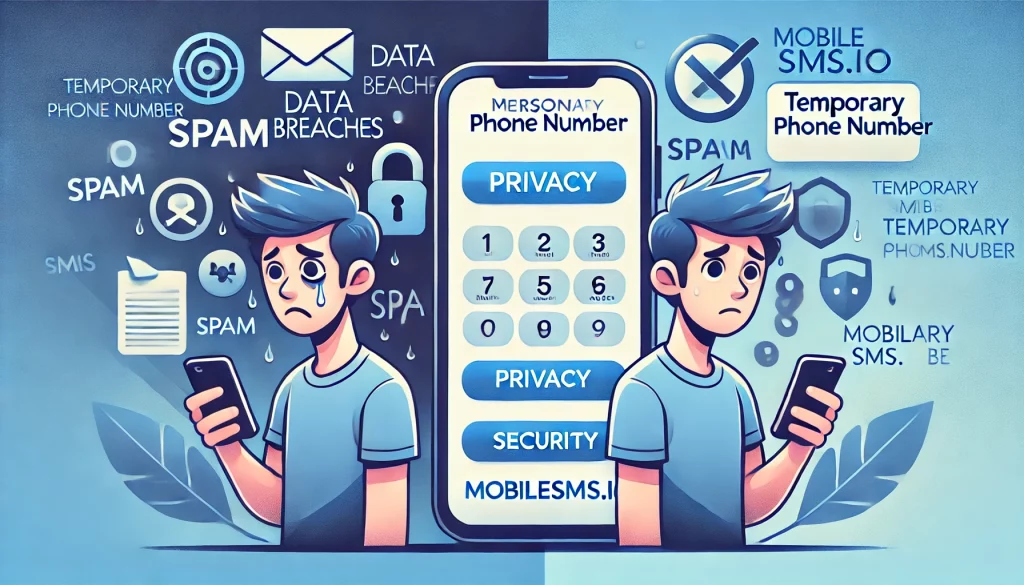
Creating an account on Pinterest is straightforward, but it requires you to provide a phone number for verification. This step is necessary to secure your account but can be a concern for those who value their privacy. By using a temporary phone number from MobileSMS.io, you can protect your personal information and avoid unwanted spam.
With over 500 million monthly active users in 2025, Pinterest has become one of the most popular visual discovery platforms worldwide. Whether you’re planning a wedding, renovating your kitchen, or looking for new workout routines, Pinterest offers endless inspiration. But that doesn’t mean you need to sacrifice your privacy to access it.
Why Use a Temporary Phone Number for Pinterest
Benefits of Temporary Phone Numbers
Temporary phone numbers offer a convenient and secure way to verify online accounts without exposing your personal number. They are particularly useful for:
- Maintaining Privacy: Keep your personal number private and avoid sharing it with online platforms.
- Avoiding Spam: Protect yourself from spam messages and unwanted calls.
- Convenience: Easily dispose of the number after use without any long-term commitment.
- Account Separation: Keep your personal and professional Pinterest accounts completely separate.
- Testing Purposes: Create accounts to test Pinterest features for business purposes without using your main number.
Privacy Concerns with Regular Numbers
Using your regular phone number for online verifications can lead to several issues, including:
- Data Breaches: Personal information linked to your phone number can be exposed in data breaches.
- Targeted Advertising: Companies can use your number for targeted advertising campaigns.
- Spam and Scams: Increased risk of receiving spam messages and scam calls.
- SIM Swapping Attacks: Hackers can target your phone number to gain access to accounts linked to it.
- Cross-Platform Tracking: Your phone number can be used to link your activity across multiple platforms.
Pinterest Privacy Landscape in 2025
As of 2025, Pinterest has strengthened its verification requirements to combat spam accounts and bots. While this makes the platform safer overall, it also means sharing more personal information. Here’s what you should know:
- Phone Verification Required: Pinterest now requires phone verification for most new accounts, especially when signing up from new devices or IP addresses.
- Two-Factor Authentication: Pinterest encourages users to enable 2FA, which typically requires a phone number.
- Account Recovery: Your phone number is often used as the primary method for account recovery.
- VoIP Detection: Pinterest has improved its ability to detect and block VoIP numbers, making real SIM-based temporary numbers from providers like MobileSMS.io essential.
Step-by-Step Guide to Creating a Pinterest Account with a Temporary Phone Number
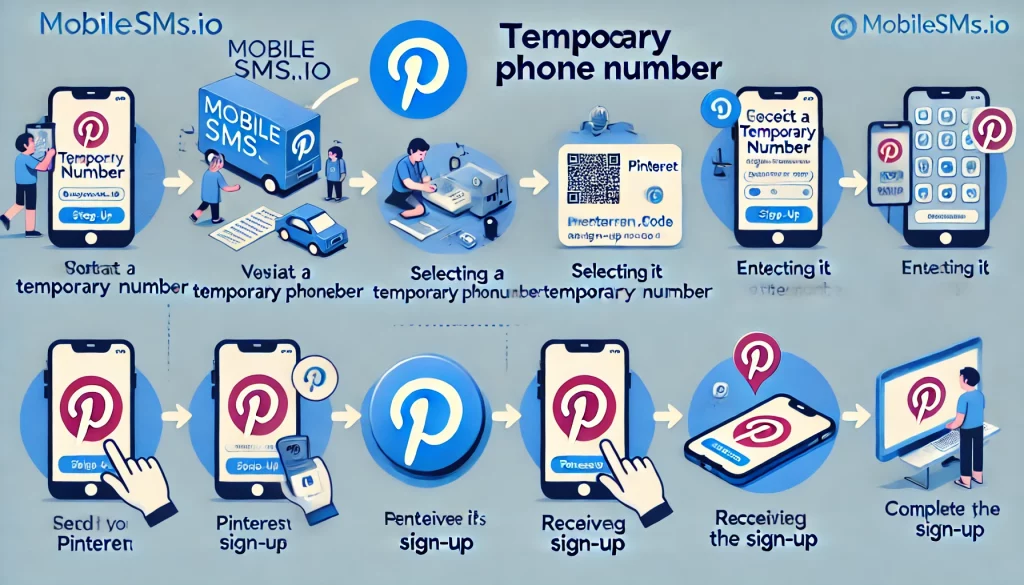
Navigating to Pinterest
- Open your web browser and go to Pinterest.
- Click on the “Sign Up” button to start the account creation process.
- You can also download the Pinterest app from the App Store or Google Play if you prefer mobile signup.
Starting the Sign-Up Process
- Enter your email address and create a password. Choose a strong password with at least 12 characters, including uppercase letters, numbers, and symbols.
- Click on “Continue” to proceed to the next step.
- Enter your birthdate when prompted. Pinterest requires users to be at least 13 years old.
- Choose your gender (optional but helps Pinterest personalize your feed).
Selecting the Temporary Phone Number Service
- Visit MobileSMS.io and sign up for an account if you haven’t already.
- Choose the type of temporary phone number you need (One-Time Use or Long-Term Rental).
- For Pinterest verification, a one-time use number typically works well. However, if you want to maintain access for account recovery, consider the “All Services” 30-day rental plan.
- Select a USA-based number for the best compatibility with Pinterest’s verification system.
Pro Tip: MobileSMS.io’s numbers come from real SIM cards, not VoIP services. This is crucial because Pinterest actively blocks VoIP numbers during verification.
Entering the Temporary Phone Number
- Once you have obtained your temporary phone number from MobileSMS.io, return to the Pinterest sign-up page.
- Enter the temporary phone number in the phone number field. Make sure to include the country code if required.
- Double-check the number for any typos before proceeding.
- Click on “Send code” to receive a verification code.
Verification Process
- Wait for the SMS verification code to arrive at your temporary phone number. This usually takes 30 seconds to 2 minutes.
- Check your MobileSMS.io dashboard or inbox for the incoming message.
- Enter the verification code in the provided field on Pinterest.
- Click on “Verify” to complete the phone number verification process.
What to Do If the Code Doesn’t Arrive:
- Wait at least 2 minutes before requesting a new code.
- Check that you entered the number correctly.
- Try the “Resend Code” option on Pinterest.
- If issues persist, generate a new number from MobileSMS.io and try again.
Completing the Sign-Up
- Follow the remaining prompts to complete your Pinterest profile setup.
- Choose at least 5 topics that interest you to help Pinterest personalize your home feed.
- Optionally, upload a profile picture and add a bio.
- Consider enabling two-factor authentication using an authenticator app instead of SMS for added security.
- Start exploring Pinterest and saving your favorite ideas!
MobileSMS.io: The Best Solution for Temporary Phone Numbers
Overview of MobileSMS.io Services
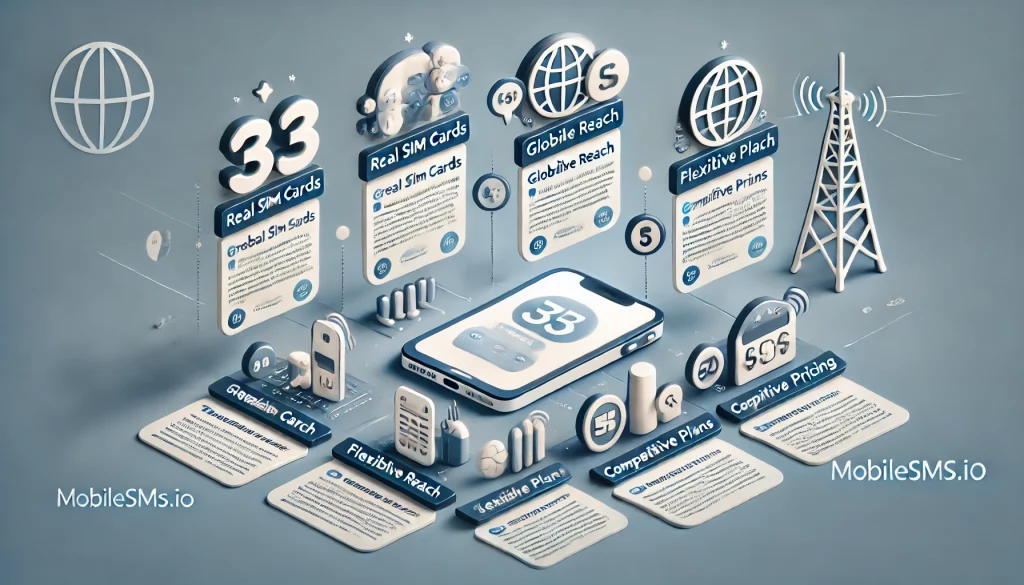
MobileSMS.io provides premium temporary phone numbers from real SIM cards, ensuring compatibility with most online services. Whether you need a number for one-time use or a long-term rental, MobileSMS.io offers flexible solutions to meet your needs.
How MobileSMS.io Stands Out
- Real SIM Cards: Unlike VoIP numbers, MobileSMS.io uses real SIM cards, making their numbers more reliable for SMS verifications.
- Global Reach: Access temporary phone numbers from various countries, with a specialty in USA numbers.
- Flexible Plans: Choose from one-time use numbers or long-term rentals based on your requirements.
- High Success Rate: MobileSMS.io boasts a 95%+ success rate for Pinterest verifications in 2025.
- Instant Delivery: Receive your temporary number within seconds of purchase.
- 24/7 Support: Access customer support whenever you need assistance.
Pricing Plans
MobileSMS.io offers competitive pricing for its temporary phone numbers. Here are some examples:
- One-Time Use Numbers: Prices vary depending on the country and service, ranging from $3.50 to $5.50 per SMS verification code.
- Long-Term Rentals: Starting at $15 for a 7-day rental, with options for 30, 60, and 90 days.
- All Services Plan: The 30-day rental option gives you access to verify multiple services with a single number, perfect if you’re setting up accounts across several platforms.
Tips for Using Temporary Phone Numbers Effectively
Managing Multiple Accounts
If you manage multiple online accounts, using temporary phone numbers can help keep them organized and secure. Assign different numbers to each account to prevent cross-contamination and ensure privacy.
Best Practices for Multiple Pinterest Accounts:
- Use a different email address for each account.
- Keep a secure record of which temporary number was used for each account.
- Consider long-term rentals if you need ongoing access for account recovery.
- Use different browsers or browser profiles for each account to avoid detection.
Ensuring Successful Verification
To improve the success rate of SMS verifications:
- Match IP Address: Ensure your VPN’s IP address matches the country of your temporary phone number.
- Avoid Flagged IPs: Use tools like X-Browser to manage digital fingerprints and avoid being flagged as suspicious.
- Time Your Signup: Create your account during US business hours for USA numbers to reduce suspicion.
- Complete Your Profile: After verification, immediately add a profile picture and bio to appear like a legitimate user.
Avoiding Common Issues
- Multiple Attempts: If a number doesn’t work on the first try, generate a new one and try again.
- Check Service Compatibility: Verify that the temporary phone number service supports the platform you’re using.
- Avoid Rapid Signups: Don’t create multiple accounts in quick succession from the same IP address.
- Keep Records: Save the temporary number details in case you need them for account recovery later.
- Clear Cookies: Start with a fresh browser session to avoid any tracking issues.
Pinterest Features Worth Exploring After Setup
Once you’ve successfully created your Pinterest account with a temporary phone number, here are some features worth exploring in 2025:
- Pinterest Lens: Use your camera to find products and ideas similar to what you photograph.
- Shopping Features: Pinterest now offers enhanced shopping integration with buyable pins from thousands of retailers.
- Idea Pins: Create multi-page video content to share your projects and tutorials.
- Collaborative Boards: Invite others to contribute to shared boards for group planning.
- Pinterest Predicts: Check out Pinterest’s annual trend predictions to stay ahead of the curve.
- AI-Powered Recommendations: Pinterest’s algorithm has improved significantly in 2025, offering more personalized suggestions.
FAQ
Can I use a temporary phone number for multiple Pinterest accounts?
Yes, but it’s best to use a different number for each account to avoid any issues with verification. Pinterest can detect and flag accounts that share the same phone number.
What happens if the temporary number doesn’t receive the SMS verification code?
You can try generating a new number or contact MobileSMS.io support for assistance. Most issues are resolved within minutes.
Are there any limitations to using temporary phone numbers?
Some services might flag or block temporary numbers, so it’s important to choose a reliable provider like MobileSMS.io that uses real SIM cards instead of VoIP.
How long can I use a temporary phone number?
One-time use numbers are disposable after a single use, while long-term rentals can be extended as needed. For Pinterest, a 7-day or 30-day rental is recommended if you want to maintain account recovery options.
Can I get a refund if the number doesn’t work?
MobileSMS.io offers a 100% money-back guarantee if the provided number doesn’t work for your intended verification.
Are temporary phone numbers legal?
Yes, using temporary phone numbers for verification is legal and a common practice for maintaining privacy online. Many privacy-conscious users and businesses rely on this service.
Will Pinterest ban my account for using a temporary number?
Pinterest does not explicitly ban accounts for using temporary numbers. However, using low-quality VoIP numbers can trigger security flags. MobileSMS.io’s real SIM-based numbers minimize this risk.
Can I change the phone number on my Pinterest account later?
Yes, you can update your phone number in your Pinterest account settings. If you used a one-time number, you may want to add a long-term rental number or your personal number later.
What if I need to recover my Pinterest account later?
If you used a one-time number, you won’t be able to receive recovery codes via SMS. Consider using a long-term rental or setting up an authenticator app for two-factor authentication as a backup recovery method.
Conclusion
Using a temporary phone number to create a Pinterest account is a smart way to protect your privacy and avoid spam. With MobileSMS.io, you can easily obtain a reliable temporary number and follow the steps outlined in this guide to set up your Pinterest account securely.
In 2025, online privacy is more important than ever. By taking simple steps like using a temporary phone number for verification, you can enjoy all the creative inspiration Pinterest has to offer without compromising your personal information. Whether you’re creating a single account or managing multiple Pinterest profiles for business purposes, MobileSMS.io provides the flexibility and reliability you need.
Ready to get started? Visit MobileSMS.io today and create your Pinterest account with complete peace of mind!