

- Introduction
- Why Use a Temporary Phone Number for Spotify?
- Understanding Temporary Phone Numbers
- Benefits of Using MobileSMS.io for Temporary Phone Numbers
- Step-by-Step Guide to Registering on Spotify with MobileSMS.io
- Pricing and Plans for Temporary Phone Numbers
- Spotify Features Worth Exploring After Registration
- Common Issues and Solutions When Using Temporary Numbers
- Pro Tips for Maximum Privacy on Spotify
- FAQs
- Conclusion
Introduction
(Updated December 2025)
In today’s digital age, maintaining privacy is crucial. With various online platforms requiring personal information for registration, safeguarding your personal data has become more important than ever. Spotify, the world’s leading music streaming service with over 600 million active users in 2025, is no exception. While it offers an extensive library of over 100 million tracks and 6 million podcasts, registering on Spotify requires a phone number for verification purposes.
This comprehensive guide will show you how to register on Spotify using a temporary phone number from MobileSMS.io, ensuring your personal information remains private while you enjoy unlimited music streaming.
Why Use a Temporary Phone Number for Spotify?
Protecting Personal Information
Using a temporary phone number helps protect your personal information from being exposed. By providing a temporary number instead of your real one, you can keep your personal phone number private and secure. In 2025, with data breaches affecting millions of users annually, this extra layer of protection is more valuable than ever.
Avoiding Spam and Unwanted Messages
Temporary phone numbers are an excellent way to avoid spam and unwanted messages. Many online services sell your contact information to third parties, leading to an influx of spam calls and messages. According to recent studies, the average person receives over 40 spam calls per month. A temporary phone number can help you bypass this issue entirely.
Enhancing Online Privacy
With the increasing number of data breaches and privacy concerns, enhancing your online privacy is essential. Using a temporary phone number adds an extra layer of security, ensuring your personal data remains confidential. This is especially important if you’re creating a secondary account for different listening preferences or want to keep your music habits separate from your primary identity.
Creating Multiple Accounts for Different Purposes
Some users prefer to have separate Spotify accounts for different purposes—one for work focus music, another for personal playlists, or perhaps a family account. Using temporary phone numbers from MobileSMS.io makes managing multiple accounts simple and straightforward.
Understanding Temporary Phone Numbers
Definition and Types of Temporary Phone Numbers
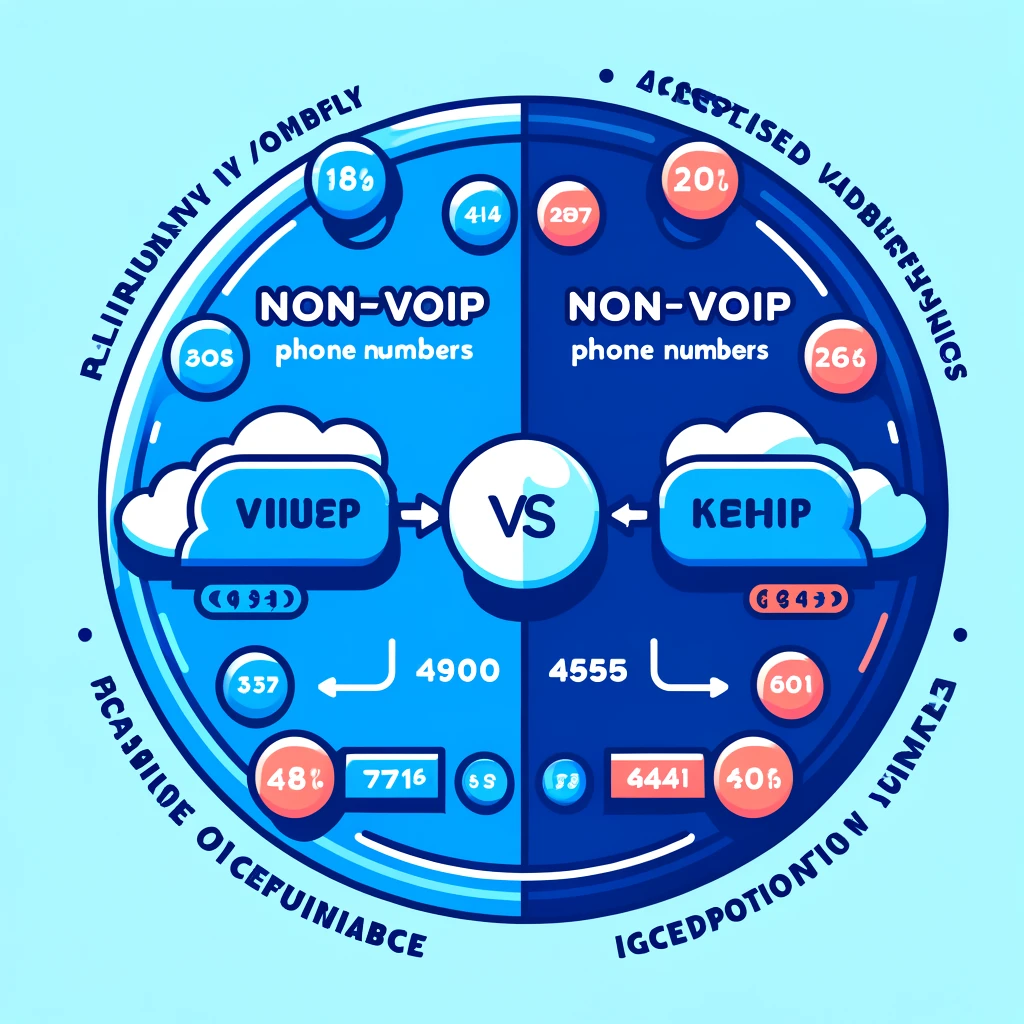
Temporary phone numbers are short-term phone numbers that can be used for a limited period or a specific purpose, such as receiving SMS verification codes. They come in two main types: VoIP (Voice over Internet Protocol) and non-VoIP numbers. VoIP numbers are internet-based and are often not accepted by online services, while non-VoIP numbers are real SIM card numbers provided by mobile carriers.
Differences Between VoIP and Non-VoIP Numbers
Non-VoIP numbers are more reliable for SMS verifications as they are less likely to be rejected by online services. Here’s why this matters for Spotify registration:
- VoIP Numbers: Often blocked by Spotify’s verification system because they can be easily traced as virtual numbers. Success rate is typically below 30%.
- Non-VoIP Numbers: These are real carrier numbers from actual SIM cards, making them virtually indistinguishable from regular phone numbers. Success rate exceeds 95%.
MobileSMS.io offers non-VoIP numbers exclusively, ensuring a higher success rate for SMS verifications on Spotify and other platforms.
Benefits of Using MobileSMS.io for Temporary Phone Numbers
Reliable Non-VoIP Numbers
MobileSMS.io provides reliable non-VoIP numbers from real SIM cards. These numbers are accepted by most online services, including Spotify, making the verification process smooth and hassle-free. Unlike free temporary number services that frequently fail, MobileSMS.io’s numbers have a proven track record of success.
Specialization in USA Numbers
MobileSMS.io specializes in providing USA phone numbers, which are in high demand. These numbers are readily available and reliable for SMS verifications on platforms like Spotify. USA numbers are particularly valuable because they’re universally accepted and carry a high trust score with verification systems.
Flexible Pricing Options
MobileSMS.io offers flexible pricing options to suit your needs. Whether you need a one-time use number or a long-term rental, MobileSMS.io has a plan that fits your requirements and budget. The “All Services” 30-day rental plan is especially popular among users who need to verify multiple accounts or services over time.
Instant Delivery and Easy-to-Use Dashboard
One of the standout features of MobileSMS.io is the instant delivery of phone numbers. Once you complete your purchase, your temporary number is available immediately. The user-friendly dashboard makes it easy to view incoming messages, manage your numbers, and track your verification history.
Excellent Customer Support
Should you encounter any issues, MobileSMS.io’s responsive customer support team is available to help. They can assist with number replacements, troubleshooting, and any questions you might have about the verification process.
Step-by-Step Guide to Registering on Spotify with MobileSMS.io
- Navigating to MobileSMS.io
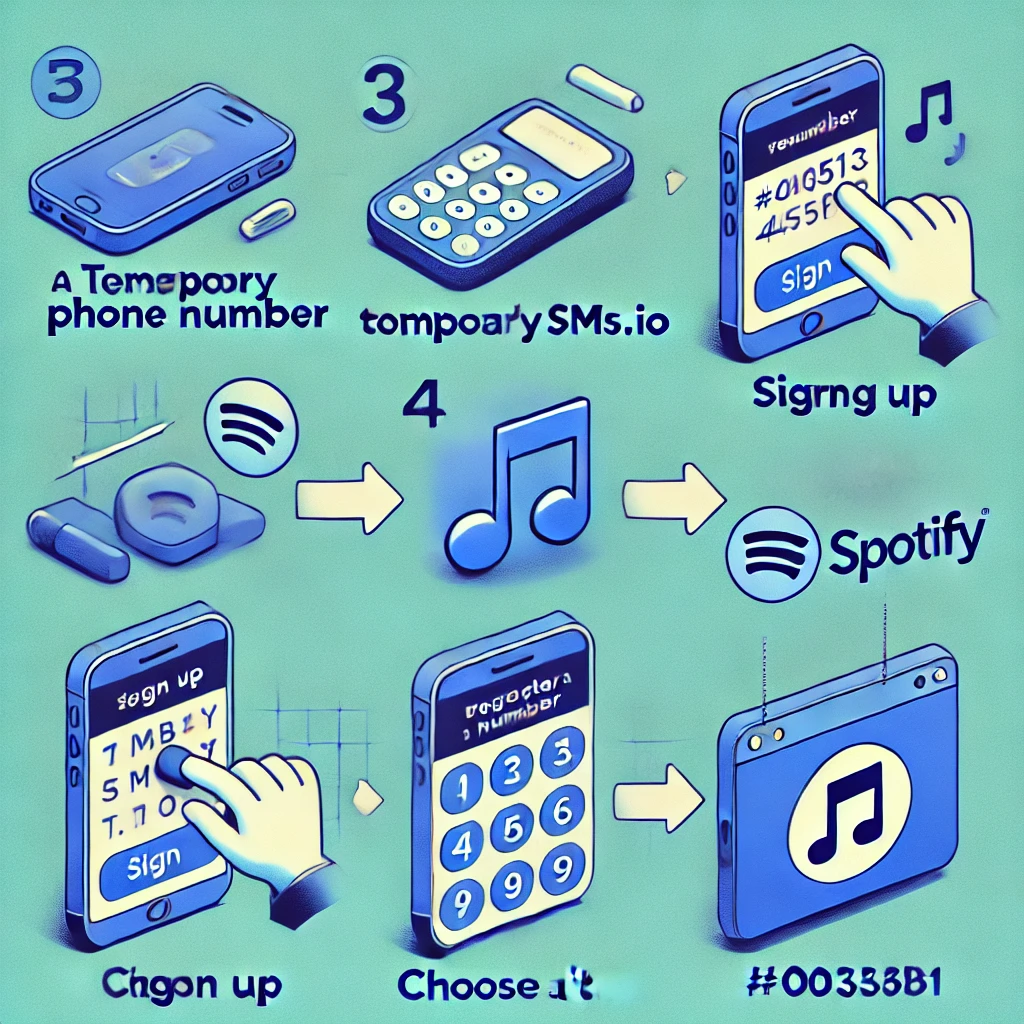
- Visit the MobileSMS.io website and click on ‘Sign Up’ to create an account.
- The registration process takes less than 2 minutes to complete.
- Signing Up and Choosing Your Country
- Fill in your details to sign up. After signing up, choose the country for your temporary phone number. MobileSMS.io offers numbers from various countries, with a specialization in USA numbers.
- For Spotify registration, USA numbers typically have the highest success rate.
- Selecting a One-Time Use or Long-Term Rental Number
- Choose between a one-time use number or a long-term rental number, depending on your needs. One-time use numbers are ideal for quick verifications, while long-term rentals are suitable for extended use.
- Pro Tip: If you plan to use Spotify’s two-factor authentication or might need to recover your account later, consider a long-term rental number.
- Adding Funds to Your Account
- MobileSMS.io accepts multiple payment methods including cryptocurrency for maximum privacy, credit cards, and other payment options.
- Select your preferred payment method and add funds to your account balance.
- Receiving and Using the Number for Spotify Registration
- Once you have selected and received your temporary phone number, go to the Spotify registration page at spotify.com.
- Enter your email, create a password, and fill in your profile details.
- When prompted for phone verification, enter the temporary phone number from MobileSMS.io.
- Return to your MobileSMS.io dashboard—the verification code will appear within seconds.
- Enter the code on Spotify to complete your registration.
- Completing Your Spotify Profile
- After verification, finish setting up your Spotify profile by selecting your favorite artists and genres.
- Download the Spotify app on your devices to start streaming immediately.
Pricing and Plans for Temporary Phone Numbers
One-Time Use Numbers Pricing
The cost of one-time use numbers varies depending on the country and service. For USA numbers, the price ranges from $3.50 to $5.50 per SMS verification code received. This option is perfect for quick, single-use verifications when you just need to create one Spotify account.
Long-Term Rental Options
MobileSMS.io offers several long-term rental options:
- Single Service Long-Term Phone Number: Available for 7, 14, or 30 days. Prices start at $15 for 7 days and go up to $30 for 30 days. Perfect if you only need the number for Spotify.
- All Services Long-Term Number: A private number for a minimum of 30 days, costing $65. This plan includes all incoming SMS and works with any service that requires verification. This is ideal if you’re signing up for multiple streaming services or platforms.
- All Services Premium Long-Term Number: This premium plan costs $100 for 30 days and includes all incoming SMS without the need for activation. Best for power users who need maximum flexibility.
Cost Comparison with Other Services
Compared to other services, MobileSMS.io offers competitive pricing with the added benefit of reliable non-VoIP numbers. Free temporary number services often fail with Spotify verification, wasting your time. The small investment in a quality temporary number from MobileSMS.io ensures success on your first attempt.
Spotify Features Worth Exploring After Registration
Once you’ve successfully registered on Spotify with your temporary phone number, here are some features to explore in 2025:
Spotify Free vs. Premium
Spotify offers both free and premium tiers. The free version includes ads and limited skips, while Premium ($11.99/month in the USA) offers:
- Ad-free listening
- Unlimited skips
- Offline downloads
- Higher audio quality (up to 320 kbps)
- Spotify Connect for seamless device switching
Discover Weekly and Daily Mixes
Spotify’s AI-powered recommendation engine creates personalized playlists based on your listening habits. The more you listen, the better these recommendations become.
Podcasts and Audiobooks
In 2025, Spotify has expanded beyond music to become a leading podcast platform with exclusive shows and a growing audiobook library. Premium subscribers get 15 hours of audiobook listening per month.
Collaborative Playlists
Create playlists with friends and family, even if you’re using a privacy-focused account. Simply share the playlist link without revealing your personal information.
Common Issues and Solutions When Using Temporary Numbers
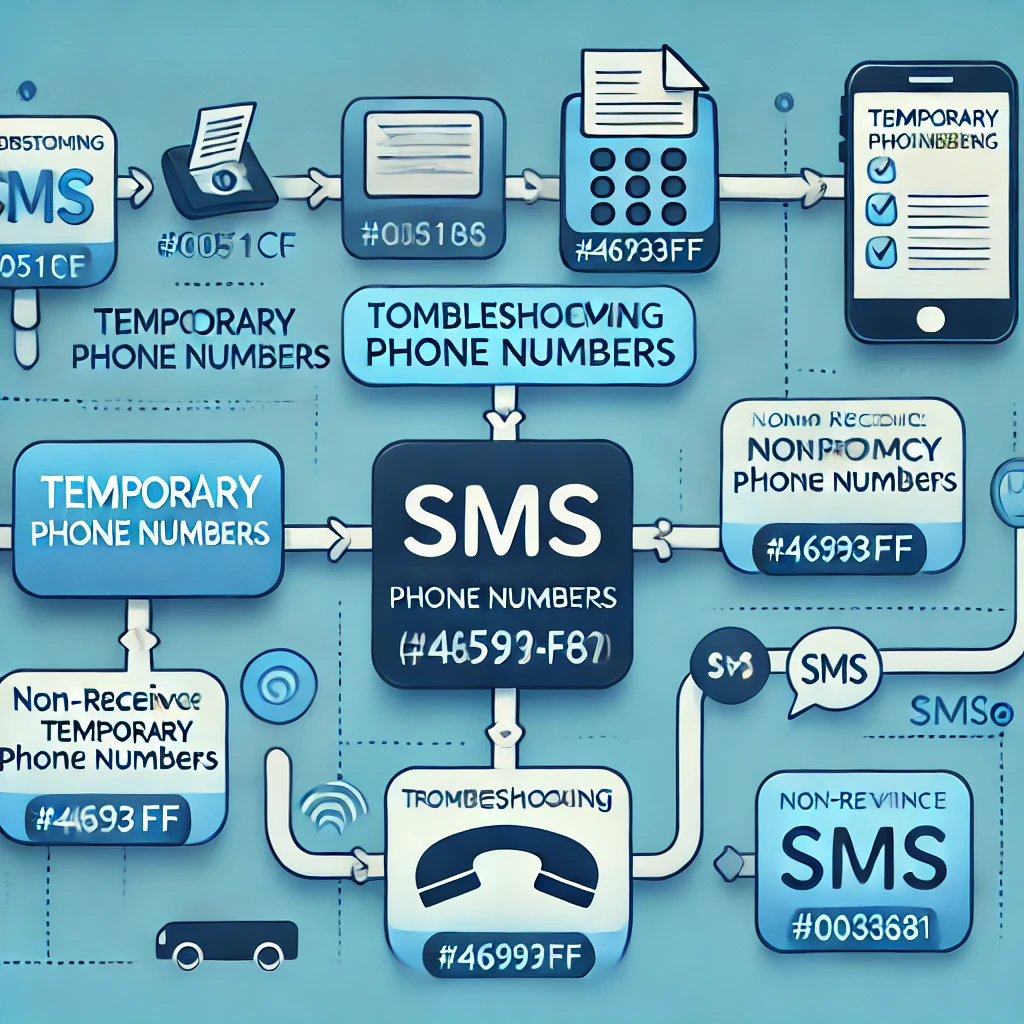
Troubleshooting Non-Receipt of SMS
If you do not receive the SMS verification code, try the following solutions:
- Ensure the temporary number you selected is from the correct country.
- Check if your VPN’s IP address matches the country of the temporary number.
- Wait 2-3 minutes before requesting a new code—sometimes there’s a slight delay.
- Make multiple attempts as some numbers might not work on the first try.
- Clear your browser cache and cookies before attempting again.
- Try using a different browser or incognito mode.
Ensuring Compatibility with Spotify
MobileSMS.io’s non-VoIP numbers are compatible with Spotify. However, if you encounter issues, ensure that your digital fingerprint and IP address are not flagged by Spotify’s system. Using a reputable VPN can help maintain consistency between your location and phone number country.
“Number Already Used” Error
If you see this error, it means the number was previously used for Spotify registration. Simply request a new number from MobileSMS.io—the platform has a large pool of fresh numbers available.
Verification Code Expired
Spotify verification codes typically expire after 10 minutes. If your code expires, request a new one and enter it promptly. Keep your MobileSMS.io dashboard open in another tab for quick access.
Contacting MobileSMS.io Support
If you face any issues, MobileSMS.io offers excellent customer support. You can submit a ticket for assistance, and the support team will help resolve your issue promptly—usually within a few hours.
Pro Tips for Maximum Privacy on Spotify
After registering with a temporary phone number, consider these additional privacy measures:
- Use a Privacy-Focused Email: Consider using a temporary or alias email address for your Spotify account.
- Adjust Privacy Settings: In Spotify settings, you can make your listening activity private and hide your playlists from public view.
- Disable Social Features: Turn off Facebook integration and friend activity to minimize data sharing.
- Use a VPN: A VPN adds another layer of privacy by masking your IP address while streaming.
- Review Connected Apps: Periodically check which third-party apps have access to your Spotify account and revoke unnecessary permissions.
FAQs
Can I use the same temporary number for other services?
Yes, you can use long-term rental numbers for multiple services. One-time use numbers are typically for single use only. The “All Services” plan from MobileSMS.io is perfect for users who need to verify multiple platforms.
How long can I keep a temporary number?
One-time use numbers are valid for a short period, while long-term rental numbers can be kept for up to 90 days or longer, depending on the plan.
What happens if the number doesn’t work?
MobileSMS.io guarantees the functionality of its numbers. If a number doesn’t work, you can contact customer support for a refund or a replacement. Their team is responsive and typically resolves issues within hours.
Can I reuse a temporary phone number?
One-time use numbers are not meant for reuse. However, long-term rental numbers can be used multiple times during the rental period for account recovery, two-factor authentication, and more.
Are there any disadvantages to using temporary phone numbers?
Some considerations include the cost (though minimal), limited duration for one-time use numbers, and the need to plan ahead for account recovery. However, MobileSMS.io ensures high reliability with its non-VoIP numbers, minimizing potential issues.
What should I do if I don’t receive the SMS verification code?
Try multiple attempts, ensure your IP address matches the country of the number, and check if your digital fingerprint is flagged. Contact MobileSMS.io support if the issue persists—they can provide a replacement number quickly.
Will Spotify ban my account for using a temporary number?
No, Spotify does not ban accounts for using temporary numbers. The platform simply requires phone verification to confirm you’re a real person. MobileSMS.io’s non-VoIP numbers are indistinguishable from regular phone numbers.
Can I upgrade to Spotify Premium with a temporary number account?
Absolutely! Accounts created with temporary numbers function exactly like any other Spotify account. You can upgrade to Premium, create playlists, follow artists, and access all features.
What if I need to recover my account later?
If you anticipate needing account recovery, we recommend using a long-term rental number that you can keep for an extended period. Alternatively, ensure you have access to your registered email for password resets.
Conclusion
Using a temporary phone number from MobileSMS.io to register on Spotify is an excellent way to protect your personal information and enhance your online privacy in 2025. With reliable non-VoIP numbers that have a 95%+ success rate, flexible pricing options, instant delivery, and excellent customer support, MobileSMS.io makes the process smooth and hassle-free.
Whether you’re creating your first Spotify account or setting up additional accounts for different purposes, MobileSMS.io provides the privacy solution you need. The small investment in a quality temporary number pays off with peace of mind knowing your personal phone number remains private.
Try MobileSMS.io today and enjoy streaming music on Spotify privately and securely. With over 100 million tracks at your fingertips and complete privacy protection, you’ll have the best of both worlds.