

Want to use Threads without linking your personal phone number? Here’s the deal: Threads, Meta’s text-focused social media app, requires an Instagram account for access, and Instagram mandates phone number verification. This can be a headache for privacy-conscious users or those managing multiple accounts.
To bypass this, you can use disposable phone numbers from services like MobileSMS.io. These numbers let you verify Instagram accounts without compromising your privacy. Here’s how it works:
- MobileSMS.io provides real SIM-based numbers that Instagram accepts for verification.
- You can create an Instagram account with a disposable number and link it to Threads.
- This keeps your personal phone number separate while allowing full access to Threads.
This approach is ideal for marketers, content creators, or anyone looking to maintain anonymity on Threads. MobileSMS.io offers flexible pricing, supports over 100 countries, and ensures your privacy stays intact.
Key Steps to Get Started:
- Sign up on MobileSMS.io and purchase a disposable number.
- Use the number to verify your Instagram account.
- Link the verified Instagram account to Threads.
Threads Account Requirements Explained
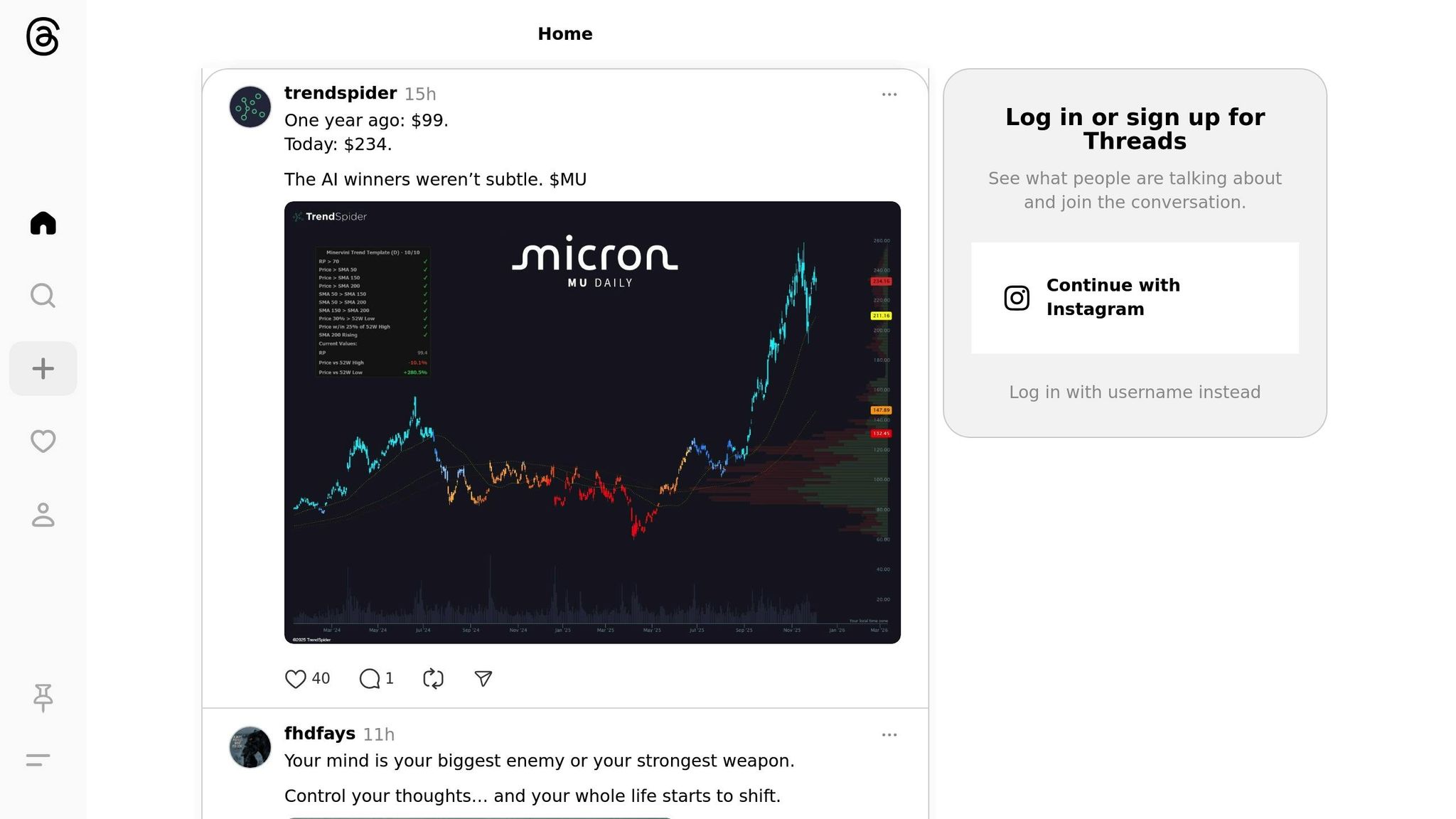
Threads accounts are directly tied to Instagram, which can complicate things for users who value privacy. This setup makes it tough to stay anonymous unless you use a disposable phone number.
How Threads Connects to Instagram
To create a Threads account, you must log in with an existing Instagram account. There’s no option to set up a standalone Threads profile. Your Threads account automatically adopts your Instagram username, profile picture, and bio. Any updates you make to these details on Instagram will instantly reflect on Threads, keeping the two platforms closely linked.
Instagram’s Phone Number Verification
Instagram requires phone number verification to help prevent fake accounts and bots. When setting up a new Instagram account, you’ll need to provide a phone number, which the platform uses to send a six-digit SMS code for verification. This number is then stored for account recovery and security purposes.
This verification process ties your identity to your phone number, which is further linked to mobile carriers and billing records. For privacy-conscious users, this connection can be concerning. Additionally, Instagram enforces a one-account-per-phone-number policy, making it difficult to manage multiple accounts without separate numbers.
To maintain anonymity on Threads, using a disposable phone number might be your best option.
How to Create an Anonymous Threads Account with MobileSMS.io
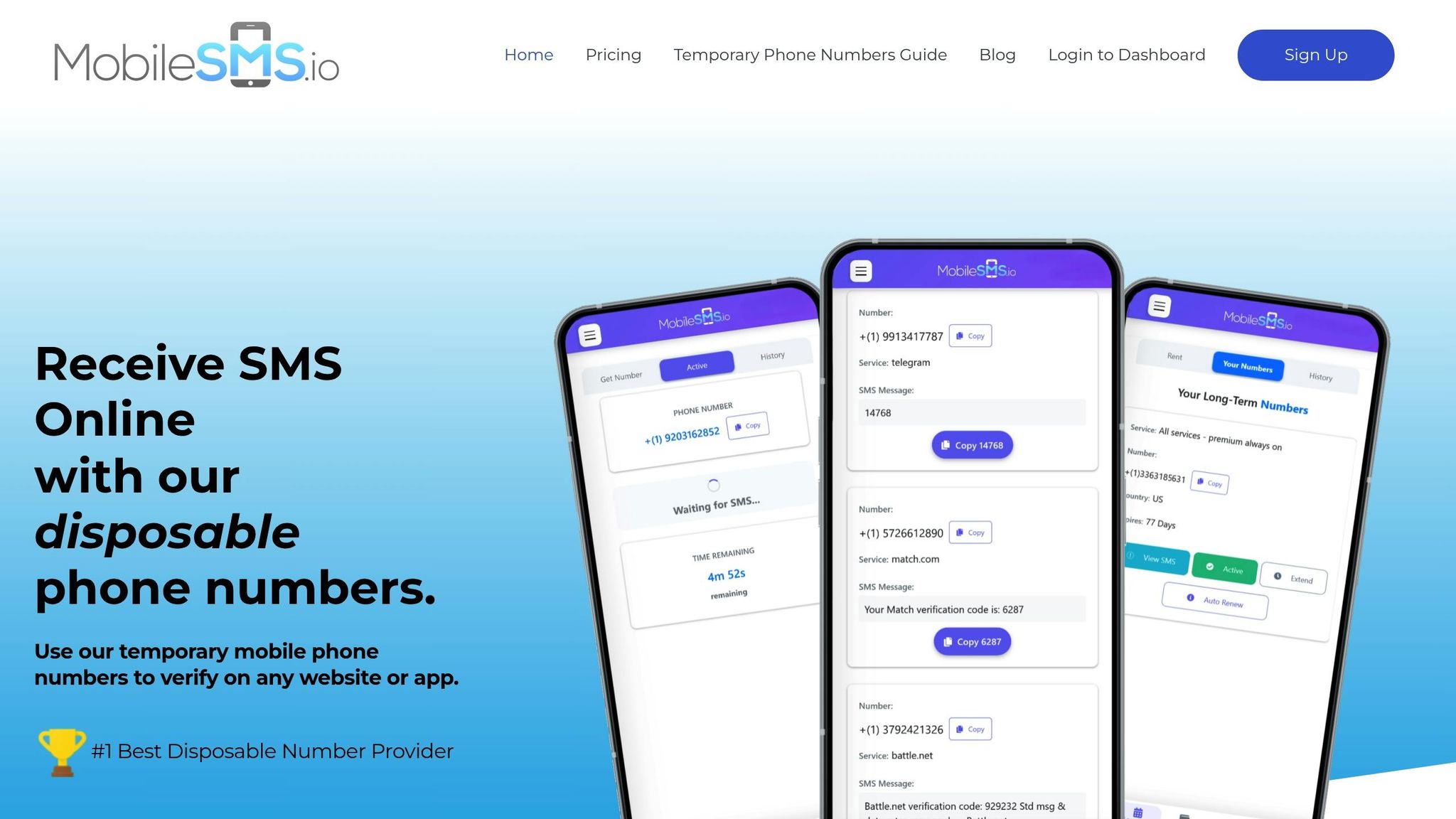
MobileSMS.io offers real SIM-card numbers that Instagram accepts for verification, making it possible to set up an anonymous Threads account. Here’s how you can get a disposable number and link it to Instagram and Threads.
Step 1: Sign Up on MobileSMS.io
Head over to the MobileSMS.io website and create an account. The registration process is straightforward and requires minimal information. Once your account is set up, add credits – starting at $5.00 – to your balance. These credits are valid for 12 months.
Choose a disposable number by selecting the United States or any of the 100+ available countries. From the list of services, pick Instagram. The platform will show the cost of an Instagram verification number.
MobileSMS.io operates on a pay-per-success basis, so you’re only charged if you successfully receive the verification code. If it doesn’t work, your credits remain untouched. Plus, there’s a 7-day money-back guarantee for added peace of mind.
Once you have your disposable number, use it to verify your Instagram account.
Step 2: Verify Instagram with Your Disposable Number
With your disposable number ready, open Instagram (via the app or a browser). When prompted for phone verification, input the number shown on your MobileSMS.io dashboard.
Instagram will send a six-digit SMS verification code to that number. The code usually appears on your MobileSMS.io dashboard within seconds. Enter the code into Instagram’s verification field. Once it’s accepted, your Instagram account is verified.
Set up your Instagram profile using a pseudonym, a generic profile picture, and a bio that avoids sharing personal details.
Pro Tip: Use a separate email address that doesn’t reveal your identity. Also, avoid linking personal social media accounts or sharing any identifying information.
Step 3: Link Instagram to Threads
Download the Threads app and log in using your Instagram credentials. Tap Log in with Instagram and enter the details for the Instagram account verified with your MobileSMS.io number.
Threads will automatically pull in your Instagram username, profile picture, and bio. If needed, you can adjust these details in Threads, but note that any changes will also update your Instagram profile. During setup, review privacy settings carefully – Threads allows you to make your account private, control who can mention you, and limit who can reply to your posts.
Finish the setup by choosing which Instagram accounts to follow on Threads, or skip this step to start fresh. Once done, your anonymous Threads account is good to go.
To keep your anonymity intact, avoid sharing personal details in your posts or interactions.
sbb-itb-5a89343
Why Use MobileSMS.io for Threads Accounts
Creating anonymous Threads accounts requires a verified Instagram profile, and MobileSMS.io provides reliable disposable numbers to keep your identity private. Here’s why MobileSMS.io is a smart choice for protecting your privacy on Threads.
Privacy Protection and Anonymity
Your personal phone number is more than just a number – it’s tied to your identity. Sharing it with Instagram and Threads gives Meta a direct line to you, potentially opening the door to spam, tracking, and unwanted messages. MobileSMS.io solves this by offering disposable numbers that keep your real identity hidden. With these numbers, Meta can’t trace your anonymous Threads account back to you. Plus, using a new disposable number for each verification ensures no connection between accounts, offering strong privacy without compromising functionality.
Real SIM Numbers That Work Everywhere
Unlike VoIP numbers, which Instagram often rejects, MobileSMS.io provides non-VoIP, SIM-based numbers from legitimate carriers. These numbers work seamlessly with Instagram worldwide. With options from over 100 countries – including the United States, United Kingdom, Germany, Australia, Spain, and Mexico – you can pick a number that fits your regional needs.
Affordable Pricing Options
MobileSMS.io uses a flexible, credit-based system designed to fit various needs, whether you’re handling one-time verifications or managing multiple accounts. Disposable numbers start at $3.50 per SMS, and rental options are available for longer-term use. Credits remain valid for 12 months, giving you plenty of time to use them.
For those who want to test the service, MobileSMS.io offers free disposable phone numbers for SMS verification in select countries like the United States, United Kingdom, and Germany. With a minimum deposit of $5.00, payment options including credit cards and cryptocurrency, and 24/7 customer support, MobileSMS.io provides a simple and cost-effective way to maintain your privacy while setting up Threads accounts.
Conclusion
Setting up an anonymous Threads account doesn’t have to mean giving up your privacy. Since Threads requires an Instagram account to log in – and Instagram insists on phone verification – MobileSMS.io provides a practical solution. By offering real SIM-based disposable numbers, it helps you navigate Instagram’s strict verification process while keeping your identity private.
Instagram’s system is designed to block VoIP numbers, making anonymous account creation tricky. MobileSMS.io tackles this issue by supplying non-VoIP numbers from trusted carriers in over 100 countries. These disposable numbers are valid for just 10 minutes, ensuring no lasting connection between your personal details and your Threads activity.
Whether you’re prioritizing privacy or managing a public persona, MobileSMS.io offers a simple and cost-effective way to access Threads securely. With flexible pricing and a user-friendly approach, it makes anonymous account creation both easy and reliable.
FAQs
How can using a disposable phone number from MobileSMS.io protect my privacy when signing up for Threads?
Using a disposable phone number from MobileSMS.io is a smart way to keep your personal information secure. It keeps your real phone number hidden, adding an extra layer of protection for your identity when signing up for a Threads account.
By not using your personal number, you minimize the chances of dealing with spam, unwanted messages, or any risks of your primary contact details being exposed in a data breach.
How can I verify an Instagram account using a disposable number from MobileSMS.io?
To verify your Instagram account using a disposable number from MobileSMS.io, here’s what you need to do:
- Get a disposable number: Start by requesting a temporary number through MobileSMS.io.
- Use the number on Instagram: Enter the disposable number when Instagram asks for verification.
- Input the verification code: Once you receive the SMS verification code, type it into Instagram to finish the process.
This method helps protect your privacy by keeping your personal phone number private.
Can I use MobileSMS.io to create and manage multiple anonymous Threads accounts? How is the pricing structured?
MobileSMS.io makes it simple to create and manage multiple anonymous Threads accounts, all while keeping your privacy intact. This service is perfect for anyone who wants to explore Threads without tying it to their personal Instagram account.
The pricing for MobileSMS.io depends on the options you select, like the number of accounts you’d like to manage or the type of virtual phone numbers required. For a full breakdown, you can check out the pricing details directly on their platform. They provide a range of options designed to accommodate various needs and budgets.