

Need a reliable number for WhatsApp, Telegram, or Signal? A non-VoIP number is the solution. Unlike internet-based VoIP numbers, non-VoIP numbers are tied to physical SIM cards, making them more dependable for account verification. Apps like WhatsApp, Telegram, and Signal frequently reject VoIP numbers due to spam concerns, but non-VoIP numbers have a 99.7% acceptance rate.
Why use one number across multiple apps?
- Simplifies account management: One number works for WhatsApp, Telegram, and Signal.
- Avoids VoIP rejections: Non-VoIP numbers are SMS-verified and app-friendly.
- Keeps personal numbers private: Perfect for professionals, marketers, and privacy-conscious users.
How to get started? Services like MobileSMS.io offer non-VoIP numbers with flexible rental plans starting at $15 for 7 days. Choose from single-app or multi-app plans, with options for automatic SMS forwarding to email or Slack. Setup is quick, and numbers can be activated within minutes.
Key benefits:
- Use one number for multiple apps.
- Avoid spam filters and VoIP rejections.
- Manage SMS codes through a central dashboard.
Ready to simplify your messaging setup? Rent a non-VoIP number today and streamline your WhatsApp, Telegram, and Signal accounts.
How MobileSMS.io Provides Non-VoIP Numbers
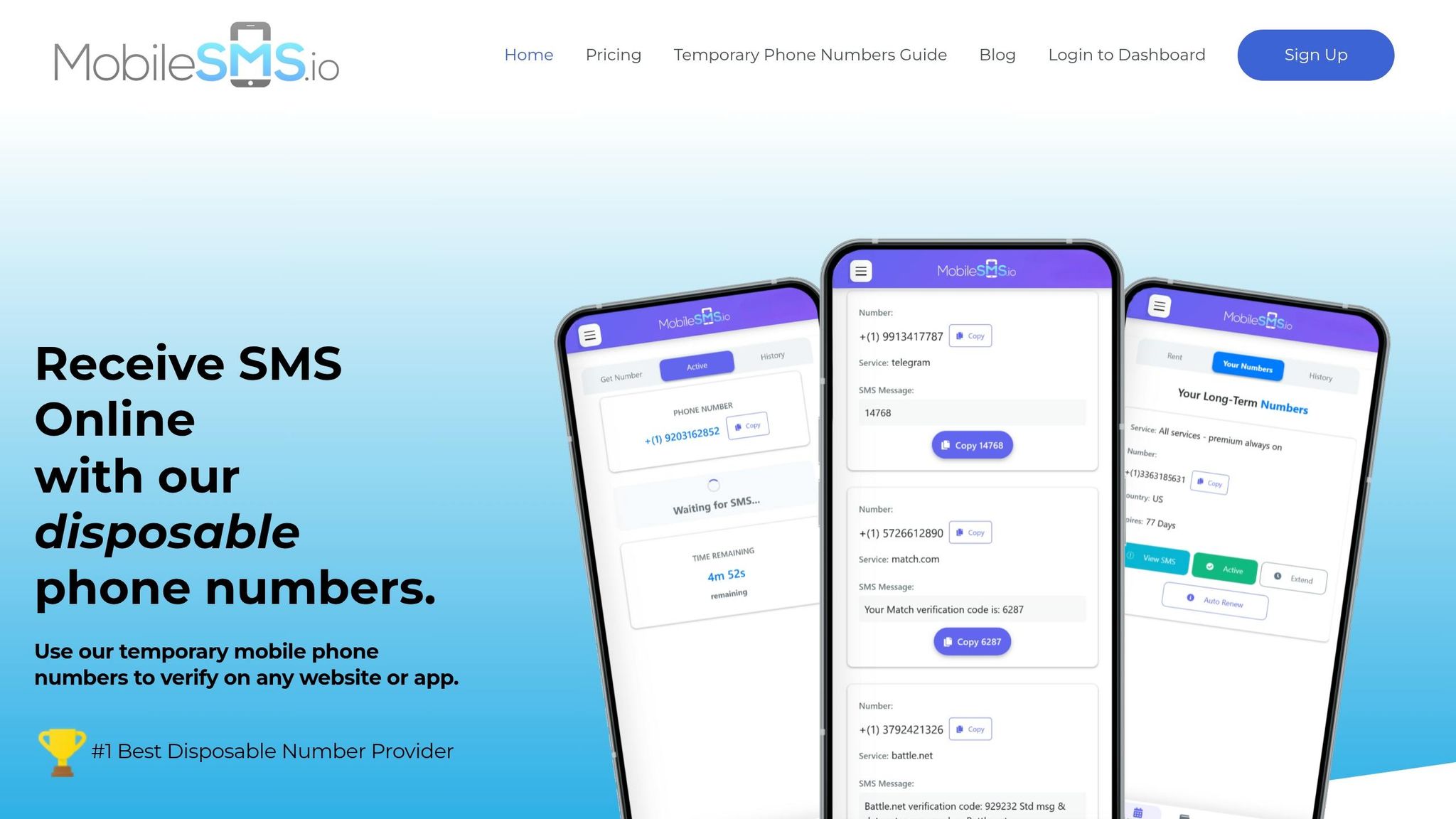

MobileSMS.io Non-VoIP Number Rental Plans Comparison
MobileSMS.io offers a private, SIM-backed number that simplifies app registrations while safeguarding your personal identity. This same technology allows you to bypass SMS verification for Google and other sensitive platforms. These numbers, backed by physical SIM cards, are essential for seamless app verification.
Why Choose MobileSMS.io for Non-VoIP Numbers?
This service tackles the common issue of VoIP number rejections by providing SIM-backed numbers with over 95% acceptance rates on platforms like WhatsApp, Telegram, and Signal. Unlike VoIP numbers, which often fail during verification, MobileSMS.io’s numbers remain active for the rental period you select – ranging from 7 days to 12 months. Plus, you can rent a non-VoIP number without needing to provide ID verification, ensuring your privacy while maintaining dependable access.
The service also offers unlimited SMS reception and auto-forwarding options to email, Slack, or Discord. This feature is especially handy for teams managing shared accounts, ensuring you never miss an important verification code.
Long-Term Rental Plans Overview
MobileSMS.io provides three rental options tailored to different needs:
- Single Service Plan: Starting at $15 for 7 days or $30 for 30 days, this plan locks your number to a single app like WhatsApp or Telegram. It’s perfect for users who only need access to one platform.
- All Services Plan: For $65 per month, this plan allows multi-app usage, enabling you to register the same number across WhatsApp, Telegram, and Signal. However, manual activation is required in the dashboard to retrieve verification codes.
- Premium All Services Plan: At $100 per month, this tier eliminates manual activation entirely. Numbers remain "always active", capturing and forwarding codes automatically. It also includes Slack and Discord webhook integration, making it ideal for teams needing instant access to verification codes without extra steps. One user successfully kept active accounts on all three apps for over four months using this plan, with no bans or verification issues.
MobileSMS.io Rental Plans Comparison
| Plan | Price | Duration | SMS Limit | Auto-Forwarding | App Compatibility |
|---|---|---|---|---|---|
| Single Service | $15–$100 | 7–90 days | Unlimited (one app) | No | One specific app only |
| All Services | $65/month | 30 days | Unlimited (all apps) | No (manual activation required) | WhatsApp, Telegram, Signal, 1,200+ platforms |
| Premium All Services | $100/month | 30 days | Unlimited (all apps) | Yes (email, Slack, Discord) | WhatsApp, Telegram, Signal, 1,200+ platforms |
Most plans use renewable subscriptions (except for the 7-day option), allowing you to enable auto-renewal to avoid losing access to accounts linked to your number. Numbers are usually assigned in minutes, though provisioning may take up to 72 hours during peak demand.
Up next, find out how to set up your account and activate your number for immediate use on your favorite apps.
sbb-itb-5a89343
How to Rent a Non-VoIP Number from MobileSMS.io
Getting a reliable, SIM-backed number is essential for managing your WhatsApp, Telegram, and Signal accounts. Here’s how to quickly secure and activate one.
Creating Your MobileSMS.io Account
Head over to MobileSMS.io and create an account. Simply register with your email and password to access a dashboard where you can manage your credits, transactions, and number rentals.
Before renting a number, make sure to add at least $5 to your account. You can pay using credit cards or cryptocurrency like Bitcoin and Ethereum.
Choosing the Right Rental Plan
The plan you pick depends on the number of apps you need to verify and whether you’re working alone or with a team.
- For a single app like WhatsApp, the Single Service plan costs $30 for 30 days and includes unlimited SMS for that app.
- If you need one number for multiple apps, the All Services plan is $65 per month. This plan supports WhatsApp, Telegram, Signal, and over 1,200 other platforms. Note that you’ll need to manually click "Activate" in the dashboard each time you want to retrieve a verification code.
- For teams or those who need instant code delivery without manual activation, the All Services Premium plan costs $100 per month. This plan automatically forwards codes to your preferred platform, such as email, Slack, or Discord.
Check your dashboard for the latest pricing and country-specific availability. If you’re using the number for two-factor authentication, enabling auto-renewal in your account settings can help maintain uninterrupted access.
Once you’ve selected your plan, you’re ready to activate your number.
Activating Your Number
Once you’ve purchased your rental, your number is usually assigned within minutes and will appear in your dashboard, along with any incoming SMS messages. However, during high-demand periods, this process may take 24–72 hours.
Activation depends on your plan:
- For Single Service or Premium plans, activation happens automatically, and codes appear in real time.
- For the standard All Services plan, you’ll need to manually click "Activate" in the dashboard to refresh your message queue.
- Premium users don’t need to worry about manual activation – codes are forwarded instantly to your chosen communication channel.
And just like that, your number is ready to use!
Setting Up WhatsApp, Telegram, and Signal

Once your number is active, you can register it across WhatsApp, Telegram, and Signal. Using a single non-VoIP number simplifies the process, letting you manage multiple apps with ease. While the steps are straightforward, each app has its own setup nuances.
How to Register WhatsApp
To get started with WhatsApp, open the app, tap Agree and Continue, and enter your MobileSMS.io number, including the correct country code (for US numbers, use +1 followed by the ten-digit number). WhatsApp will send a six-digit verification code via SMS.
Head over to your MobileSMS.io dashboard to retrieve the code. If you’re on the All Services plan, click Activate to refresh your message queue. Premium users can enjoy added convenience, as codes are automatically displayed or forwarded to their email, Slack, or Discord. Once you have the code, enter it in WhatsApp, set up your profile name and photo, and you’re good to go.
Telegram setup is similar but offers additional privacy options.
How to Set Up Telegram
Telegram’s registration process is just as simple. Open the app, input your MobileSMS.io number with the correct country code, and wait for the SMS verification code. Retrieve the code from your dashboard and enter it into Telegram.
After verification, create your profile by adding your name and an optional photo. Telegram also allows you to set a username, enabling others to find you without needing your phone number. This is especially useful for keeping your MobileSMS.io number private while staying accessible.
How to Configure Signal
Signal follows a similar setup process. Start by entering your MobileSMS.io number, including the country code (+1 for US numbers). Refresh your dashboard to access the six-digit code sent via SMS. Enter the code into Signal, and you’ll be prompted to create a PIN for account recovery.
To enhance security, enable Registration Lock in Signal’s settings. This feature ensures that no one can register your number on another device without your PIN, offering an added layer of protection – especially important when using online phone numbers for verification. For a more in-depth guide on staying private with Signal, check out our detailed Signal setup without your real phone guide.
Managing One Number Across Multiple Apps
Using a single non-VoIP number across WhatsApp, Telegram, and Signal can be simple if you follow a few key steps. The focus should be on securing each app, keeping your identities distinct, and managing messages efficiently from one central location.
How to Secure Your Number
Start by enabling two-factor authentication for each messaging app. Here’s how to do it:
- WhatsApp: Go to Settings > Account > Two-Step Verification.
- Telegram: Navigate to Settings > Privacy and Security > Two-Step Verification.
- Signal: Use the Registration Lock feature.
This extra layer of security protects your accounts from unauthorized access. To ensure uninterrupted service, enable auto-renewal for your number. Losing access to your number could mean losing access to all accounts tied to it, so keeping your number active is essential.
Keeping Personal and Public Identities Separate
A MobileSMS.io number is ideal for maintaining a public-facing identity, while your personal number can remain private. Use the rental number for interactions with strangers, online communities, or business contacts. Reserve your personal number for family and close friends. This separation helps you create distinct spaces for different parts of your digital life.
In Telegram, you can set a username so others can reach you without seeing your phone number. Similarly, Signal allows you to customize your Profile Name to control what others see. These features help maintain privacy, even when using the same number across platforms. Treat your rental number and related account credentials as sensitive information – avoid sharing them casually, as they could be used to compromise your privacy.
Tracking and Managing SMS Messages
With a centralized dashboard, you can monitor all incoming verification codes in real time. For added convenience, you can forward these messages to your email, Slack, or Discord using webhooks. This is especially handy if you’re managing accounts as part of a team or need instant updates.
The dashboard also makes it easy to track activity across WhatsApp, Telegram, and Signal. You’ll see which app sent each code and when, simplifying account management. Since MobileSMS.io numbers are receive-only, you won’t be able to send outgoing texts. This intentional design keeps your setup focused on verification and incoming messages, eliminating unnecessary complexity.
Wrapping It Up
Using a single SIM-backed, non-VoIP number is a smart way to protect your WhatsApp, Telegram, and Signal accounts while keeping your personal phone number private. This method simplifies account management by avoiding the need for multiple numbers and sidesteps the common issue of VoIP rejections on these platforms.
With the dependability of carrier-backed numbers, you can handle verification codes from one centralized dashboard, enable two-factor authentication for added security, and maintain clear distinctions between your personal and professional identities. For teams, webhook integrations with tools like Slack or Discord make shared access seamless and efficient.
Pricing for long-term rentals starts at $45 per month for a U.S. number with unlimited SMS. The auto-renewal option ensures your number remains active, which is crucial for re-verification across all three messaging apps. The simplicity of setup and effective management tools make this solution both practical and easy to maintain.
Ready to enhance your messaging privacy? Rent a non-VoIP number and get started in just 10 minutes. Whether you’re juggling multiple accounts, separating work from personal life, or keeping your real number off the radar, this approach offers the flexibility and security you need.
FAQs
Will WhatsApp, Telegram, and Signal accept this number?
Yes, WhatsApp, Telegram, and Signal typically accept non-VoIP, SIM-backed numbers for account verification. These platforms favor physical SIM-based numbers over VoIP options because they offer stronger security and broader acceptance. Choosing a reliable, long-term non-VoIP number – like those provided by services such as MobileSMS.io – can improve your chances of successful registration and verification on all three apps.
What happens to my accounts if my rental expires?
If your rental period ends, the number will stop working for receiving SMS verification codes. To keep access to your accounts, you’ll need to renew or extend the rental. Without an active number, you could lose the ability to verify your accounts through SMS.
Can I use it for two-factor authentication codes too?
Yes, you can use a non-VoIP number tied to a real SIM card for receiving two-factor authentication (2FA) codes. These numbers are compatible with over 1,200 platforms, including banking apps and social media, to receive SMS verification codes. This option ensures dependable delivery of 2FA codes while protecting the privacy and security of your personal phone number.