

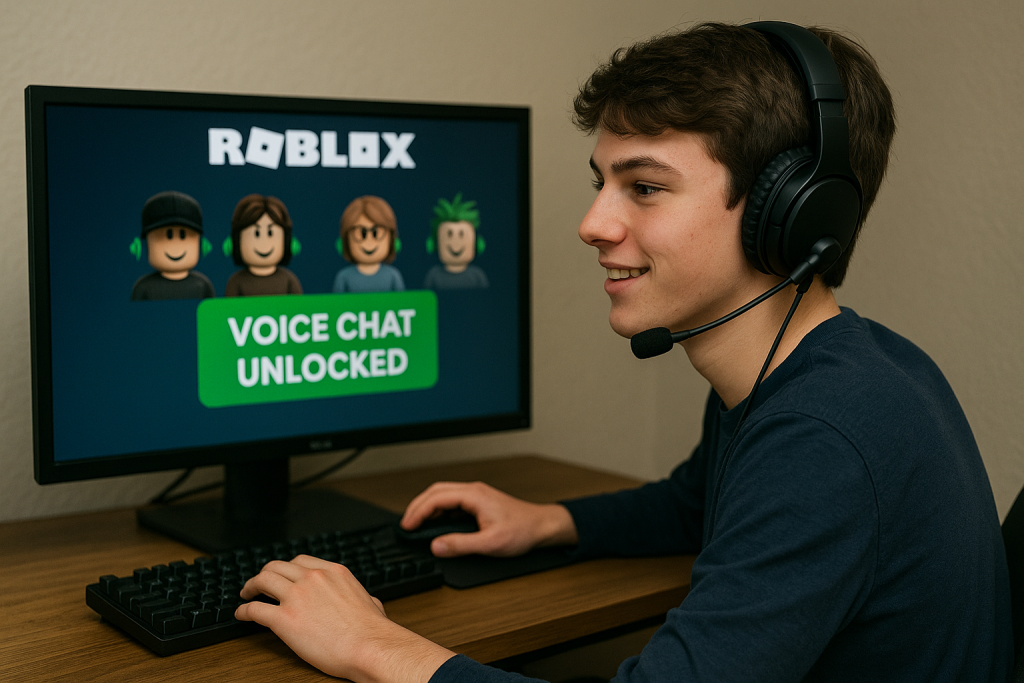
Roblox voice chat is one of the most requested features by players. But for many, it comes with a frustrating barrier: phone verification. Roblox requires you to connect a valid phone number before enabling voice chat. For younger players without phones, or for parents who don’t want to share their number, this feels like a locked door.
This is where MobileSMS.io, a trusted SMS verification service founded in 2018, becomes the solution. With real SIM-card numbers that are accepted by Roblox, it helps you unlock Roblox voice chat without phone risks. In this guide, we’ll explain the problems with Roblox’s verification system, show how MobileSMS.io solves them, and walk you through a simple step-by-step process to activate Roblox voice chat securely.
Problem Definition
Roblox introduced age verification and voice chat as part of its safety policies. To use voice chat, players must:
- Be over 13 years old.
- Upload ID for age verification.
- Verify a phone number for account security.
While this is designed to improve safety, it also creates common challenges:
- Children without personal phones: Many Roblox players are under 18 and rely on parents’ phones. Parents often don’t want to attach their personal numbers to a child’s gaming account.
- Privacy concerns: Some families don’t want to expose their personal data, fearing spam or account linking.
- Failed verifications: Roblox often rejects VoIP numbers (like Google Voice), leaving players stuck.
- Multiple accounts: Gamers with alt accounts can’t reuse the same phone number for each one.
These roadblocks leave many families asking the same question: “How can we get Roblox voice chat without giving away our real phone number?”
Solution!
The most reliable way to bypass this limitation is with MobileSMS.io. Unlike free apps that provide risky VoIP numbers, MobileSMS.io issues real SIM-card-based numbers. Roblox accepts these, making them work where VoIP fails.
Here’s why it works so well:
- Non-VoIP Numbers: Roblox rejects VoIP numbers, but MobileSMS.io uses real carrier-issued SIM numbers.
- Flexibility & Privacy: You can choose between one-time numbers for quick verifications or 30-day rentals for ongoing use. Rentals are ideal for families with multiple accounts or players who may face re-verifications.
- Global Reach with USA Specialization: Numbers are available from over 100 countries, but the platform keeps a large pool of U.S. numbers since Roblox accounts are often U.S.-based.
For most Roblox players, the 30-Day Single Service rental is the best option. It ensures you won’t get locked out if Roblox asks for re-verification, and it allows you to manage multiple accounts without re-purchasing numbers.
Step-by-Step Guide
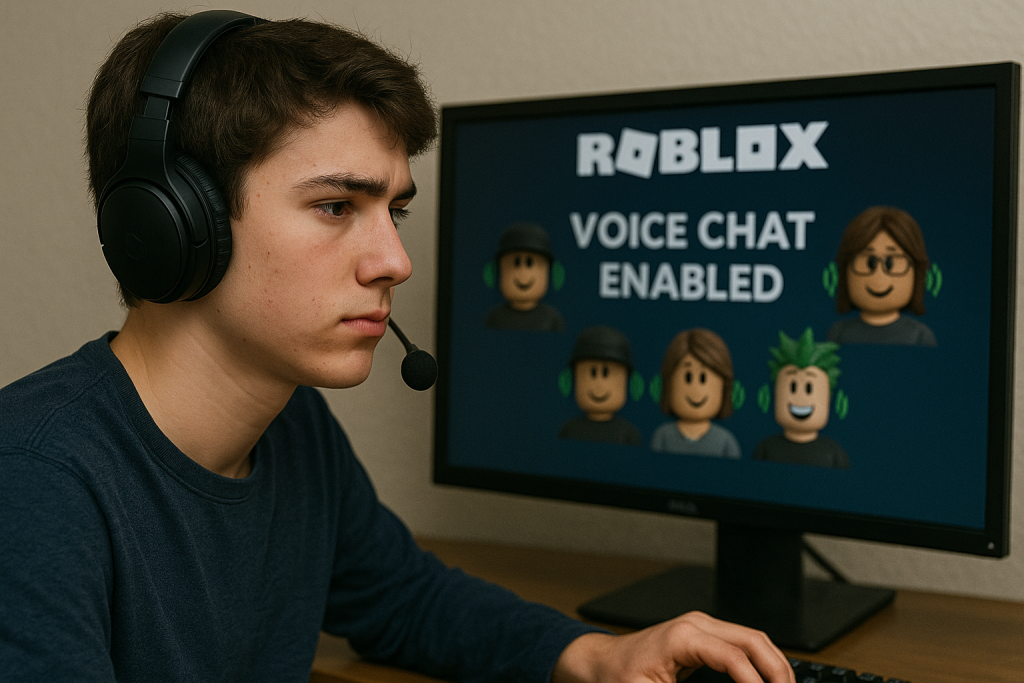
Here’s how to enable Roblox voice chat without phone using MobileSMS.io:
- Create an Account on MobileSMS.io
- Visit MobileSMS.io.
- Sign up with a simple email and password.
- Add Credits
- Top up with a minimum deposit of $5.
- Payments can be made with credit card, PayPal, or even crypto.
- Choose Your Service Type
- For one-time verification: select Roblox from the list of supported services.
- For frequent users: choose 30-Day Single Service rental (recommended).
- Select a Number
- Numbers are instantly assigned from the available pool.
- If Roblox rejects a number (rare but possible), MobileSMS.io’s refund policy ensures you don’t lose credits.
- Enter the Number in Roblox
- Go to Roblox account settings.
- Under Account Info → Add Phone, enter the rented MobileSMS.io number.
- Roblox will send a verification code.
- Receive the SMS Code
- Check your MobileSMS.io dashboard for the incoming code.
- Premium rental users can also get the code directly in Slack or Discord, making it easy for parents managing kids’ accounts.
- Verify and Unlock Voice Chat
- Enter the SMS code in Roblox.
- Once verified, you’ll gain access to voice chat features.
- Enjoy Safe Play
- Use your rented number for any future verifications.
- If you manage multiple Roblox accounts, consider a rental for seamless use.
Comparison
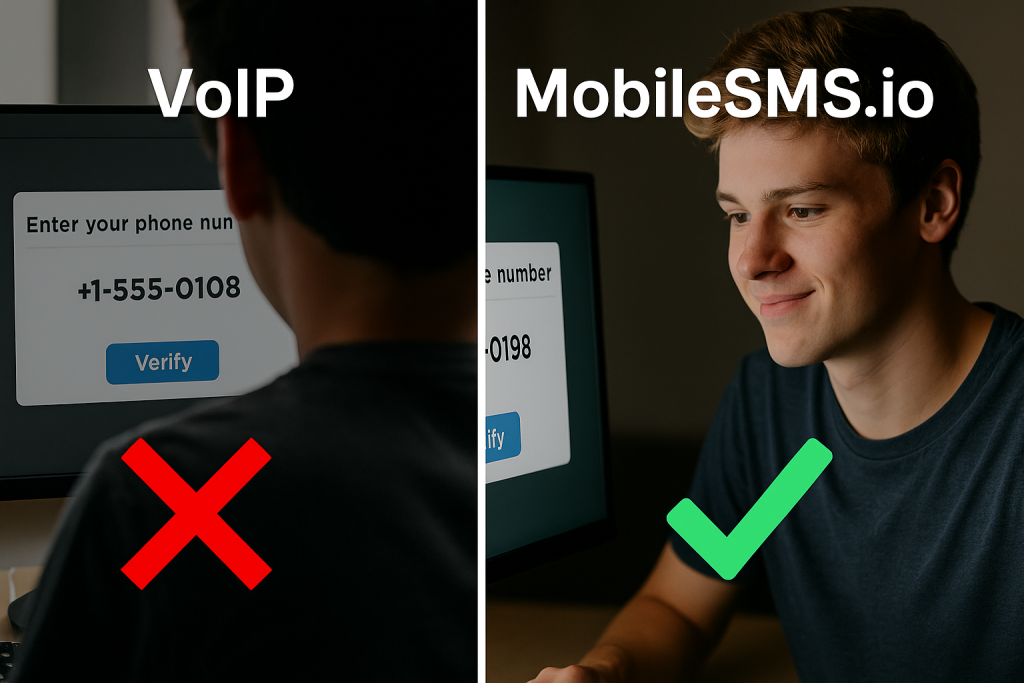
Many players try alternatives before finding MobileSMS.io. Let’s compare:
- Free VoIP Apps (e.g., TextNow, Google Voice): Usually rejected by Roblox. Risk of bans if reused.
- Phone Number Generators: Often scams. Many recycle old numbers that fail verification.
- Borrowing a Parent’s Number: Exposes private data and links accounts together.
- MobileSMS.io: Real SIM numbers, privacy protection, global reach, refund guarantee.
When compared side by side, MobileSMS.io is the only option that is safe, accepted by Roblox, and reliable long-term.
FAQ
Q: Is it legal to use MobileSMS.io for Roblox voice chat?
A: Yes. Using a rented number is legal as long as it’s for legitimate account verification. Fraudulent use is not allowed.
Q: Will Roblox ban my account for using a temporary number?
A: No. Roblox only checks if the number is valid and non-VoIP. MobileSMS.io provides real SIM numbers that pass verification.
Q: Can I use the same number for multiple Roblox accounts?
A: Yes, but it’s safer to rent numbers for each account. Re-using one number may cause account links if flagged.
Q: What if I don’t receive the verification SMS?
A: Check if your Roblox account region matches the number’s country. If it still fails, MobileSMS.io offers a replacement or refund.
Q: Is this safe for kids?
A: Yes. Parents often use MobileSMS.io to protect their personal numbers while letting kids access voice chat safely.
Q: Why is a 30-Day Rental better than a one-time number?
A: Roblox may re-verify accounts. Rentals ensure you keep the same number, preventing sudden lockouts.
Conclusion
Roblox voice chat doesn’t have to mean giving away your personal phone number. With MobileSMS.io, you can unlock roblox voice chat without phone risks, while protecting privacy and ensuring reliability.
Whether you’re a parent helping your child, or a gamer managing multiple accounts, MobileSMS.io’s Non-VoIP numbers, flexible rentals, and global reach make it the most trusted option since 2018.
👉 Start today with a 30-Day Single Service rental and enjoy Roblox voice chat without risking your personal number. Explore more options at long-term number rentals.